If you’re frustrated by how slow your PC’s become, why not try ditching these bad habits?
You’ll speed up your laptop and lower your stress levels! Habits, by their very nature, are hard to break. They’re behaviours we repeat so often that they become automatic, requiring little conscious thought. But when your laptop starts to feel sluggish and your stress levels are climbing, some of these unconscious habits might be to blame.
The good news? Small, simple changes can make a big difference.
1. Stop Ignoring Software Updates
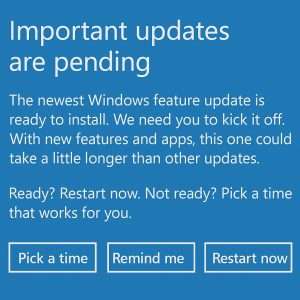
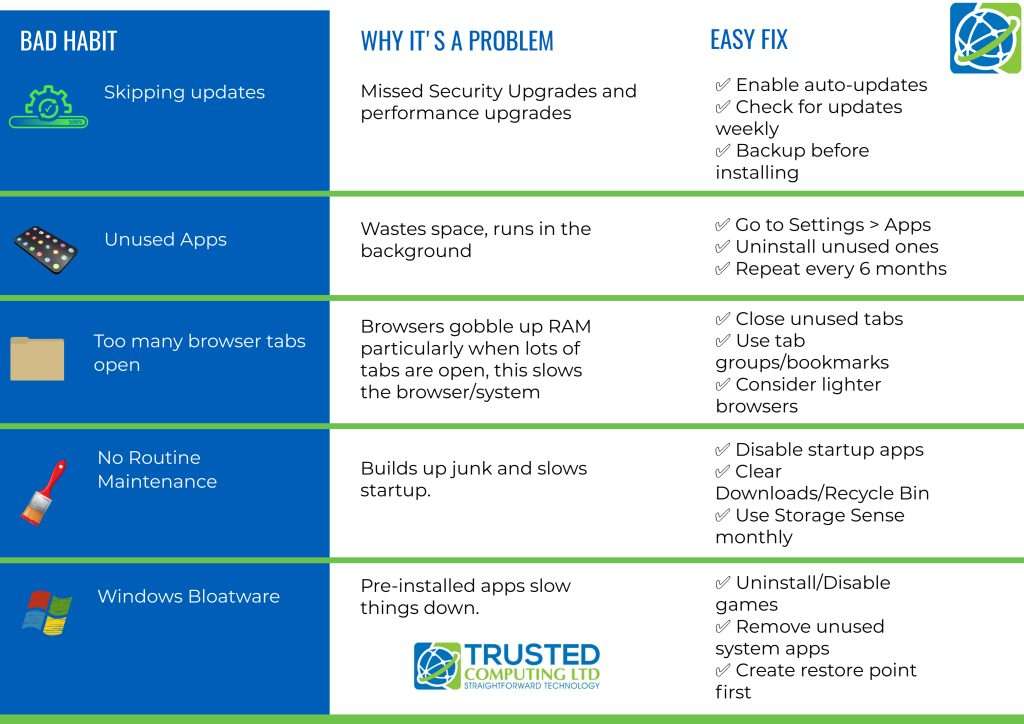
It’s tempting to delay Windows updates — they often arrive at inconvenient times and can occasionally introduce glitches. But avoiding them altogether leaves your laptop vulnerable to security threats and performance issues. The updates include vital security patches and performance enhancements.
Action: Set your device to let you know before installing updates, review them when they arrive, and install once confirmed stable. You can also set “active hours”, so updates don’t interrupt your work. You might like to check out our previous blog with step by step instructions
2. Declutter Your Apps
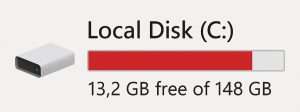
Downloading apps “just in case” is common, but those unused programs often sit in the background, consuming resources. Worse still, they clutter your drive and slow system performance.
Action: Go to Settings > Apps > Installed apps and remove anything you haven’t used in months. Schedule a reminder every few months to do this regularly.
3. Cut Down on Open Browser Tabs
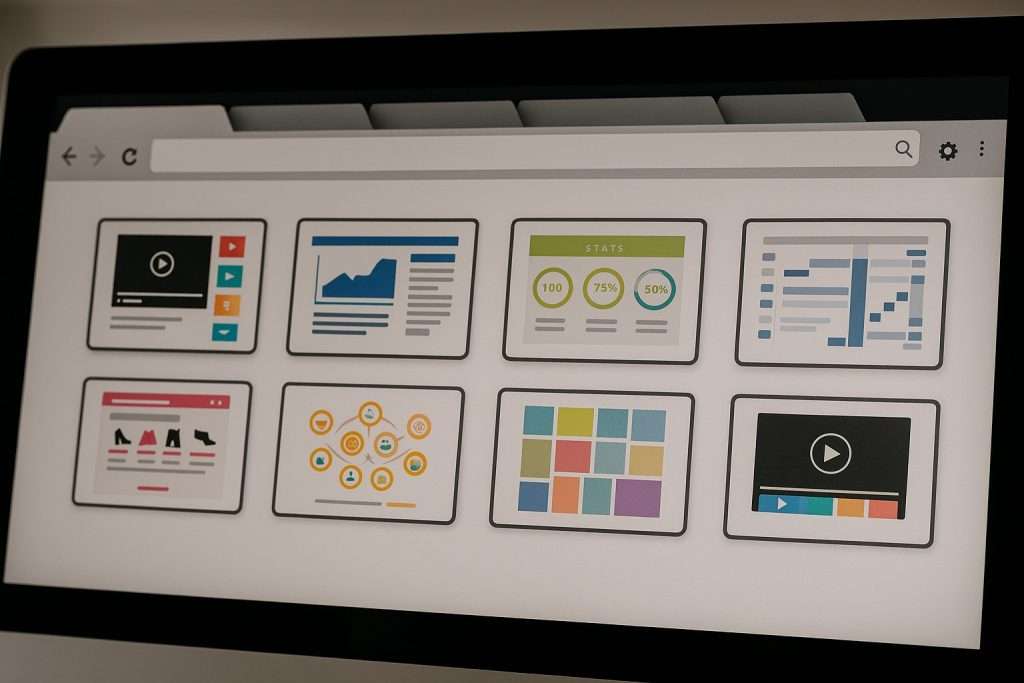
Having too many browser tabs open — especially in Chrome — can significantly drain your laptop’s memory and slow it down. Even “sleeping” tabs use resources.
Action: Use tab groups or bookmarking to save what you need and close everything else. You’ll notice a performance boost straight away!

4. Don’t Skip Routine Maintenance
It’s easy to forget the small stuff — emptying the downloads folder, clearing out temporary files, or managing startup apps. But these tasks are essential to keeping your system healthy over time.
Action: Create a simple digital maintenance checklist — one task per week. Start with clearing your downloads folder, then check startup programs, then uninstall old files, and so on.
5. Windows includes apps and features you may never use
Consider removing these, just be sure to create a restore point first.
The Bottom Line
Lots of us develop habits that seem harmless until they start affecting performance — and stress levels. The key is to be mindful and proactive. With a bit of regular attention, your laptop (and your sanity) will thank you.
Still got questions?
At Trusted Computing Ltd, we provide expert IT solutions tailored to the needs of small businesses across Greater Manchester. If you need no obligation, personalised advice about your IT issues get in touch with our team today.