When Is It the Right Time to Replace Your Computer Hardware?
Deciding when to replace or upgrade your computer hardware can be tricky, and you may be tempted to delay taking the plunge for any number of reasons.
The following points are all key signs that indicate an upgrade or replacement may be necessary:

1. Slow or Erratic Performance
One of the most common indicators of aging hardware is sluggish or unpredictable performance. If your computer takes too long to boot up, load programs, or execute tasks, your hardware might be struggling to keep up. Frequent crashes, freezes, and errors may indicate failing components or compatibility issues. Running a disk cleanup and defragmentation may provide temporary relief, but if the issues persist, a hardware upgrade is likely needed.

Image by katemangostar on Freepik
2. Noisy or Overheating Components
Loud noises, such as grinding, clicking, or excessive fan whirring, suggest that internal components like the hard drive, fan, or power supply may be failing. Overheating due to dust buildup, poor ventilation, or inadequate cooling can cause unexpected shutdowns and reduce your computer’s lifespan. Cleaning internal components, ensuring proper airflow, and replacing thermal grease can help, but if overheating persists, a replacement may be necessary.
3. Worn Moving Parts
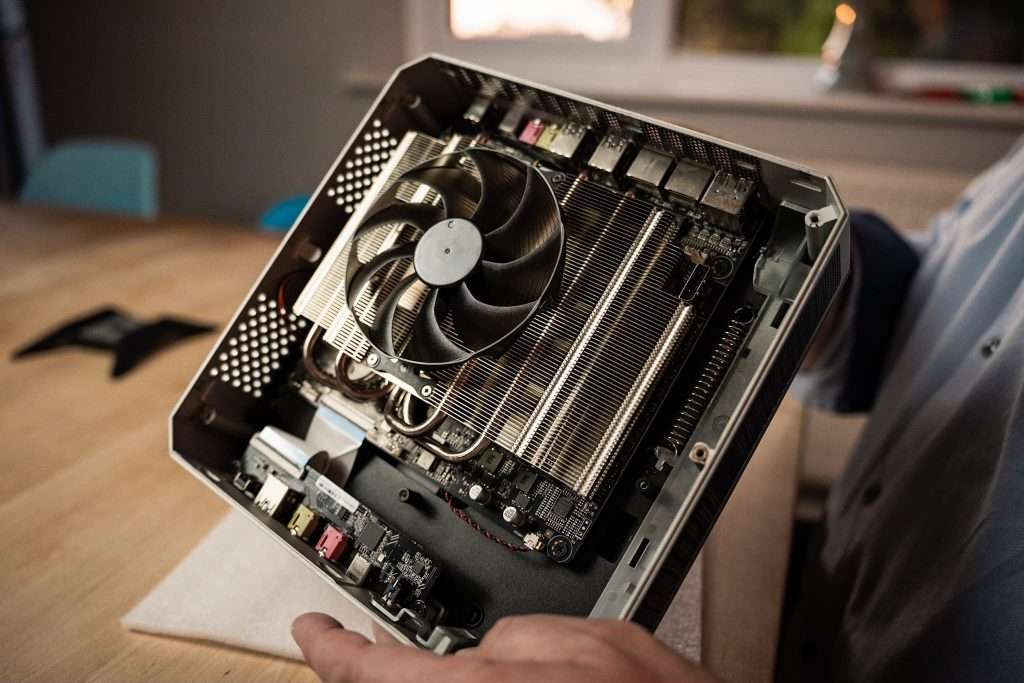
Although it might appear that computers aren’t ‘mechanical’ devices, there are actually a lot of moving components that do wear over time. Fans, switches, heat management systems and storage drives all contain lubricants, for example, which dry out eventually resulting in slowdown and ultimate failure.
4. Physical Damage or Wear and Tear
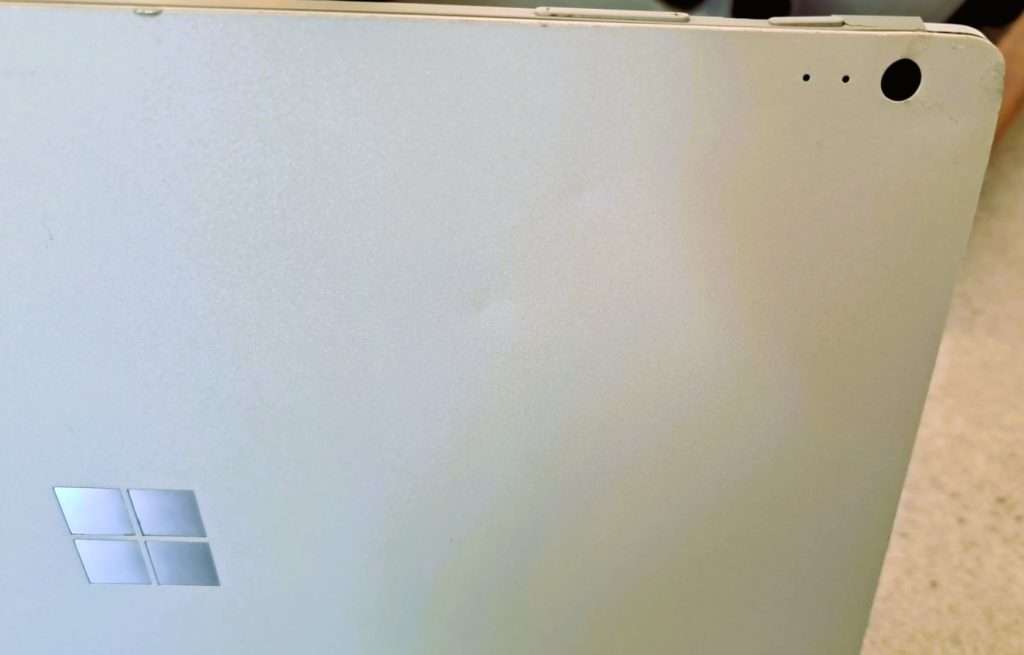
Accidental drops, spills, exposure to extreme temperatures, or power surges can physically damage internal components, leading to malfunctions. Cracks, dents, loose connections, and broken parts can significantly impact performance and stability. Preventive measures like using surge protectors, keeping your system in a safe location, and handling it with care can help, but once significant damage occurs, replacement is the most effective solution.
5. Limited or Insufficient Capacity
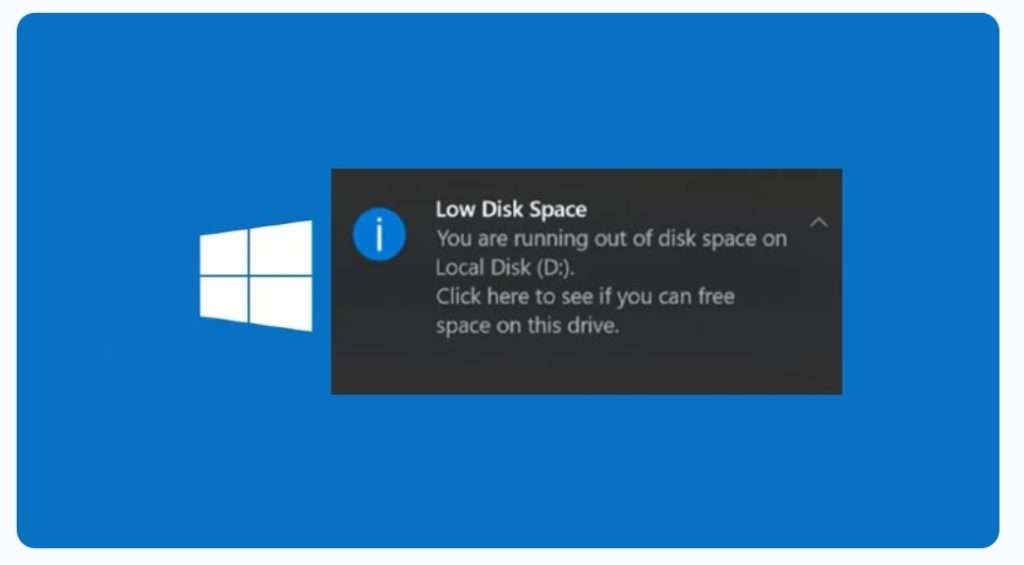
As software becomes more demanding, your computer may struggle with limited storage, RAM, or processing power. Running out of storage space, experiencing memory-related crashes, or lacking GPU power for modern applications are clear indicators that your hardware is inadequate.
6. Commercial Realities
Whilst it’s often straightforward and cost-effective to upgrade components like RAM and Solid-State Drives, it’s rarely feasible to replace the processing heart of the computer. Think of it like your car – you could add a roof box for more storage, and get it tuned up, but in this day and age you probably wouldn’t look at changing the engine for a bigger one (unless you’re a complete petrol head)

7. Talk To Your Accountant
Sometimes, it’s cheaper to completely replace equipment rather than repair – taxation and allowances change constantly, and a ‘sticking plaster’ approach may work out more costly over even a short period of time.
Cost-Benefit Analysis: When Does Replacement Make Sense?
Weighing the cost of repairs, upgrades, and maintenance against the price of a new system is crucial. If your computer is over three to five years old and repair costs exceed 50% of a new system’s price, replacement is usually the better option. Additionally, consider:
- Your specific needs – High-performance users, like graphic designers and video editors, may need frequent upgrades to stay efficient.
- Security risks – Older systems that no longer receive security updates become vulnerable to cyber threats.
- Technological advancements – Newer hardware often provides better power efficiency, speed, and features that make everyday use smoother.
- Environmental impact – Upgrading components rather than replacing the entire system can be more eco-friendly when possible.
What Happens If You Don’t Upgrade or Replace?
Ignoring these signs can lead to:
- Decreased Productivity: Frequent slowdowns and crashes make work frustrating and inefficient.
- Security Risks: Outdated systems are vulnerable to due to lack of updates.
- Higher Maintenance Costs: Older hardware requires more repairs, which can be expensive.
- Incompatibility Issues: Modern software and peripherals may not work with outdated hardware.
- Data Loss: Aging hard drives are prone to failure, potentially resulting in loss of important files.
- Operational Risk: If your system collapses, recovery is rarely quick or straightforward, even with good backup provisions – there’s a physical limit to how fast data can be moved between systems.

Final Thoughts
Regularly assessing your computer’s performance ensures you stay ahead of potential failures. If your system shows multiple signs from the list above, it’s time to seriously consider an upgrade before your computer becomes completely obsolete, or worse, collapses.
By identifying bottlenecks and weighing cost-effectiveness, you can make an informed decision on whether to upgrade or fully replace your system.
Still got questions?
Talk to us for a no-obligation chat about the options available to you for your specific needs.