
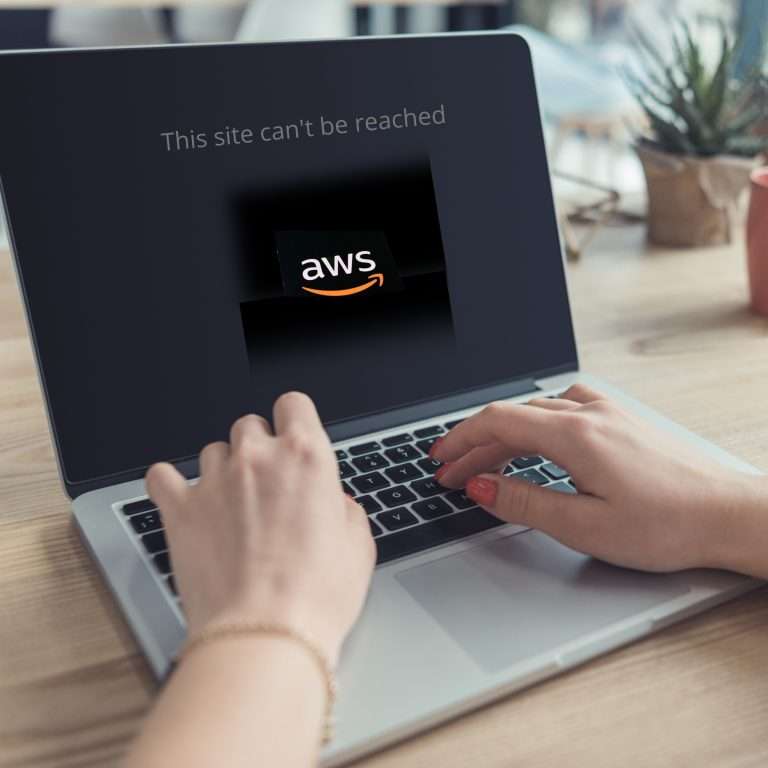
Recently Amazon Web Services (AWS) — the cloud platform that powers a significant portion of the internet — experienced a major outage. For 15 hours, websites, apps, and smart devices around the world simply stopped working. If your payment system glitched, your booking form froze, or your team tools went offline at the time, this outage was likely the cause. I’ve drilled down into what happened, why it matters, and what small to medium businesses can actually do about it.
What Happened
One of AWS’s biggest regions (US-EAST-1, based in Virginia) ran into a technical problem that broke part of its DNS system — basically, the internet’s way of directing traffic. Imagine every sat-nav suddenly forgetting how to find your office: your address is still there, but nobody can reach it.
Because so many apps and services depend on AWS — sometimes indirectly — the ripple effect was huge. It wasn’t a cyber-attack or a hack, just an internal systems fault. But it shows how dependent the modern business world has become on a handful of cloud providers

Why It Matters
For most SMBs, “the cloud” feels invisible — it just works. Until it doesn’t.
When AWS or Microsoft or Google have an outage, the impact can be immediate:
- Websites go down.
- CRMs stop syncing.
- Payments stall.
- Smart devices and apps go quiet.
You don’t have to use AWS directly to be affected. Many of the tools you rely on every day do — and when they go offline, you do too.
The big takeaway? Cloud doesn’t mean “invincible.” Even the best infrastructure can fail. What matters is how prepared you are when it does.
What You Can Do About It
Here are a few ways to make sure your business keeps running when the cloud bursts:
1. Know Your Dependencies
Start by asking: What in my business relies on the cloud?
Your website, emails, accounting software, CRM, VoIP phones, and booking systems — all of these might live on someone else’s servers. Make a list, and check whether your vendors use AWS or another provider. Awareness is step one.
2. Build in Some Redundancy
If you can, spread your risk.
• Host backups or secondary systems in a different region or provider.
• Store your data in more than one place.
• Test your backup plan — don’t just assume it works.
Even small businesses can do this without massive cost. A local backup, a failover email service, or mirrored website can make a big difference.
3. Have a Business Continuity Plan
If your systems go down, what’s your plan B?
• Can you take orders manually?
• Can your staff contact customers another way?
• Do you have a way to update your website or social media to tell people what’s happening?
You don’t need a 40-page policy document — just a clear, calm plan that everyone understands.
4. Communicate Quickly
When tech fails, silence is w orse than downtime.
Have a short “outage message” ready to go:
“We’re aware of an issue with our service provider that’s affecting access. We’ll update you as soon as it’s resolved.”
That honesty buys trust.
5. Review Your Vendors
Ask your software suppliers about their disaster recovery setup. If they shrug or give vague answers, that’s a red flag. Look for partners who are open about uptime, failover, and response times.
The Bottom Line
Cloud computing has made small businesses faster, leaner, and more capable than ever. But it’s not magic. The AWS outage is a reminder that resilience still matters.
You can’t prevent a global provider from going down, but you can make sure it doesn’t take you down with it.
If you’d like help mapping your dependencies or building a simple continuity plan, that’s exactly what we do at Trusted Computing. We’ll help you keep calm when the cloud goes dark.